Συμπίεση μιας εικόνας PNG
Ένα PNG ποτέ δεν χάνει ένα pixel στον δικό του κωδικοποιητή, κάτι που μετατρέπει τη συμπίεση ενός σε μια ειλικρινή διασταύρωση: διατηρήστε την εικόνα μαθηματικά ταυτόσημη και πάρτε μια ταπεινή εξοικονόμηση, ή αφήστε μια παλέτα να απορρίψει πρώτα τις πληροφορίες χρώματος και να μειώσει δραματικά το μέγεθος του αρχείου. Αυτή η σελίδα προσφέρει και τις δύο διαδρομές, τις εκτελεί πλήρως στον περιηγητή σας και διατηρεί τη διαφάνεια σε κάθε περίπτωση. Ο πίνακας δείχνει τι έκανε κάθε διαδρομή στην ίδια διαφανή δοκιμαστική εικόνα — μετρημένα αποτελέσματα, όχι εκτιμήσεις.
Το ίδιο PNG, και οι δύο διαδρομές
| Λειτουργία | Έξοδος | Εξοικονόμηση |
|---|---|---|
| PNG, χωρίς συμπίεση (χωρίς απώλειες) | 383.9 KB | 59% μικρότερο |
| PNG, μικρότερο μέγεθος αρχείου (ποσοτικοποιημένο) | 98.3 KB | 90% μικρότερο |
Δύο διαδρομές για ένα μικρότερο PNG
Η διαδρομή χωρίς απώλειες επανακωδικοποιεί την εικόνα σας, στη συνέχεια την παραδίδει στο oxipng, έναν βελτιστοποιητή βασισμένο σε Rust που τρέχει σε επίπεδο 3, ο οποίος αναζητά μια πιο αποδοτική διάταξη των ακριβώς ίδιων pixels: διαφορετικά φίλτρα γραμμής σάρωσης, διαφορετικές στρατηγικές αποσυμπίεσης, ταυτόσιμη εικόνα. Στο δοκιμαστικό αρχείο των 942.4 KB, αυτή η αναζήτηση μόνη της επέστρεψε 383.9 KB. Τίποτα σχετικά με την εικόνα δεν άλλαξε; μόνο η συσκευασία άλλαξε.
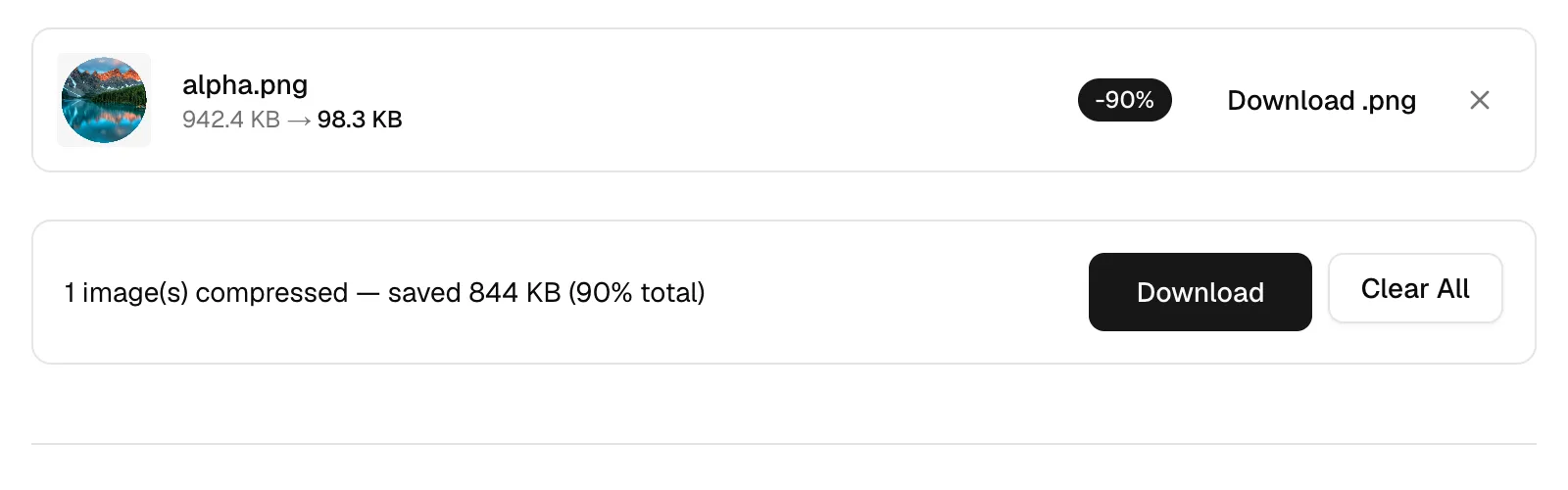
Η ποσοτικοποιημένη διαδρομή είναι εκεί όπου προέρχονται οι δραματικοί αριθμοί. Πριν τρέξει ο κωδικοποιητής, το imagequant δημιουργεί μια παλέτα το πολύ 256 χρωμάτων και χαρτογραφεί κάθε pixel στην πιο κοντινή του είσοδο. Η έξοδος είναι ακόμα ένα απολύτως συνηθισμένο PNG που ανοίγει οποιοδήποτε λογισμικό — οι πληροφορίες παραδόθηκαν πριν από την κωδικοποίηση αντί κατά τη διάρκεια αυτής. Το ίδιο δοκιμαστικό αρχείο προσγειώθηκε στα 98.3 KB με αυτόν τον τρόπο, περίπου το ένα δέκατο του αρχικού του βάρους.
Ποια διαδρομή ταιριάζει σε ποια εικόνα
Στιγμιότυπα διεπαφής, λογότυπα, εικονίδια, pixel art και επίπεδες εικονογραφήσεις είναι αυτά για τα οποία εφευρέθηκαν οι παλέτες. Τέτοιες εικόνες σπάνια περιέχουν περισσότερα από μερικές εκατοντάδες διακριτά χρώματα εξαρχής, οπότε η χαρτογράφηση τους μέσω 256 αλλάζει λίγο ή τίποτα που μπορεί να βρει το μάτι, και η εξοικονόμηση είναι τεράστια. Για οτιδήποτε από αυτό το είδος που κατευθύνεται σε μια ιστοσελίδα, η ποσοτικοποιημένη είναι η λογική επιλογή.
Διατηρήστε τη μη επεξεργασμένη διαδρομή για εικόνες όπου τα ίδια τα pixels είναι το σημείο: ένα σχέδιο που θα ανοίξετε ξανά, αρχειακό υλικό ή οτιδήποτε φέρει μακριές απαλές κλίμακες. Ένας ουρανός ηλιοβασιλέματος ζητά 256 εισόδους παλέτας για να περιγράψει χιλιάδες απαλές κλίμακες χρώματος, και η ορατή αποτυχία είναι η ταινία — οι ομαλές κλίμακες μετατρέπονται σε γραμμές περιγράμματος. Αυτό είναι το ένα artefact που αξίζει να ελέγξετε μετά την ποσοτικοποίηση: οι άκρες θα είναι καθαρές, οι κλίμακες το αποκαλύπτουν πρώτες.
Διαφάνεια, και πότε να αφήσετε το PNG πίσω
Και οι δύο διαδρομές μεταφέρουν το κανάλι alpha άθικτο, συμπεριλαμβανομένης της μερικής διαφάνειας: ο ποσοτικοποιητής αντιμετωπίζει την αδιαφάνεια ως μέρος κάθε εισόδου παλέτας, έτσι ώστε η απαλή αντι-αντιστροφή γύρω από ένα κομμένο λογότυπο να επιβιώνει αντί να καταρρεύσει σε μια σκληρή άκρη. Αυτό που καταστρέφει τη διαφάνεια είναι η μετάβαση σε μια μορφή χωρίς αυτή — μετατρέψτε το αποτέλεσμα σε JPEG και κάθε διαφανές pixel ισοπεδώνεται σε έναν συμπαγή φόντο, επειδή καμία παραλλαγή JPEG δεν φέρει alpha.
Μερικές φορές η καλύτερη συμπίεση είναι να αφήσετε το PNG εντελώς. Μια φωτογραφία αποθηκευμένη ως .png είναι ένα κατηγορικό λάθος: η εγγύηση χωρίς απώλειες κοστίζει megabytes σε εικόνες από κάμερες και δεν αγοράζει τίποτα που μπορεί να δει ο θεατής, και η μετατροπή ενός τέτοιου αρχείου σε JPEG ή WebP συνήθως το μειώνει πολλές φορές. Για επίπεδες γραφικές που πρέπει να παραμείνουν μικρές και διαφανείς, το χωρίς απώλειες WebP μειώνει επίσης το PNG σε μέγεθος — η ανταλλαγή είναι ότι μια χούφτα παλαιότερων προγραμμάτων επιφάνειας εργασίας χειρίζονται ακόμα το PNG πιο κομψά.
Συχνές Ερωτήσεις
Είναι η συμπίεση PNG πάντα χωρίς απώλειες;
Ο κωδικοποιητής της μορφής είναι — η προδιαγραφή δεν περιέχει καθόλου λειτουργία με απώλειες. Εργαλεία που διαφημίζουν δραματικές εξοικονομήσεις PNG, συμπεριλαμβανομένου αυτού, τις αποκτούν μειώνοντας τον αριθμό χρωμάτων πριν αρχίσει η κωδικοποίηση. Επιλέξτε την επιλογή που αναγράφει PNG — Χωρίς συμπίεση εδώ και τίποτα με απώλειες δεν συμβαίνει σε κανένα στάδιο.
Ποια είναι η διαφορά μεταξύ των δύο επιλογών PNG στο αναπτυσσόμενο μενού;
PNG — Χωρίς συμπίεση είναι η διαδρομή χωρίς απώλειες: ταυτόσιμα pixels, ξανασυσκευασμένα πιο έξυπνα. PNG — Μικρότερο μέγεθος αρχείου είναι η ποσοτικοποιημένη διαδρομή: μια παλέτα έως 256 χρωμάτων, στη συνέχεια η ίδια επανασυσκευασία. Τα ονόματα περιγράφουν τι συμβαίνει στην εικόνα σας, όχι πόσο σκληρά εργάζεται ο κωδικοποιητής.
Πόσο μικρότερο μπορεί να κάνει ένα PNG η ποσοτικοποίηση;
Η διαφανής δοκιμαστική εικόνα σε αυτή τη σελίδα μειώθηκε από 942.4 KB σε 98.3 KB, και αυτή η τάξη εξοικονόμησης είναι φυσιολογική για στιγμιότυπα οθόνης και επίπεδη τέχνη. Αρχεία που ήδη χρησιμοποιούν μια παλέτα έχουν πολύ λιγότερα να δώσουν, επειδή η μείωση χρώματος έχει γίνει ουσιαστικά μία φορά.
Θα φαίνεται χειρότερα ένα ποσοτικοποιημένο PNG;
Σε εικόνες με επίπεδο χρώμα, σχεδόν ποτέ — δίπλα-δίπλα, οι περισσότεροι άνθρωποι δεν μπορούν να επιλέξουν το πρωτότυπο. Οι κλίμακες, οι βινιέτες και οι φωτογραφίες είναι η εξαίρεση: πολύ λίγες εισόδους παλέτας για να περιγράψουν μια ομαλή κλίμακα παράγουν ορατά βήματα χρώματος.
Διατηρείται μια διαφανής φόντο μετά τη συμπίεση;
Ναι, και στις δύο διαδρομές, και οι ημι-διαφανείς pixels όπως οι σκιές και οι λείες άκρες επιβιώνουν επίσης. Το alpha χάνεται μόνο με τη μετατροπή σε μια μορφή που δεν έχει.
Γιατί το PNG μου σχεδόν δεν μειώθηκε, ή ακόμα και αυξήθηκε;
Κάτι το έχει ήδη βελτιστοποιήσει. Οι αγωγοί εξαγωγής ολοένα και περισσότερο τρέχουν τον δικό τους βελτιστοποιητή PNG, και ένα αρχείο που βρίσκεται κοντά στο κατώφλι χωρίς απώλειες αφήνει μια δεύτερη προσπάθεια χωρίς τίποτα να βρει — περιστασιακά η προσπάθεια κοστίζει ακόμη και bytes, οπότε αυτό το εργαλείο επιστρέφει το αρχικό σας αρχείο αμετάβλητο.
Γιατί το PNG μου είναι τόσο μεγάλο εξαρχής;
Συνήθως η ανάλυση. Μια πλήρης οθόνη καταγραφής μιας οθόνης 4K ή Retina είναι οκτώ ή περισσότερα megapixels δεδομένων που αποθηκεύονται χωρίς απώλειες πριν κάνετε οτιδήποτε. Η ποσοτικοποίηση βοηθά; η κοπή στην περιοχή που έχει σημασία, ή η κλίμακα των καταγραφών διεπαφής στο μέγεθος που θα εμφανιστούν, βοηθά περισσότερο.
Μπορώ να συμπιέσω αρκετά PNG ταυτόχρονα;
Δέκα αρχεία και έως 50 MB σε μία μόνο γύρο, με μια λήψη ZIP για τα αποτελέσματα. Η κωδικοποίηση συμβαίνει στον περιηγητή σας αντί σε έναν διακομιστή, οπότε δεν υπάρχει ουρά και δεν υπάρχει ποσοστό — εκτελέστε όσες γύρους χρειάζεστε.